|
|
|
|
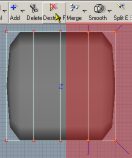
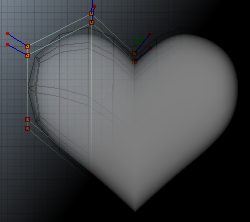
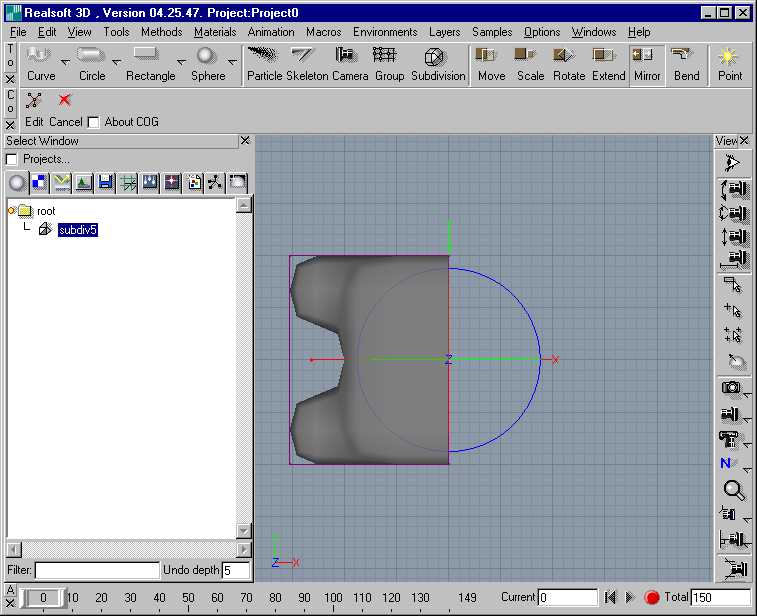
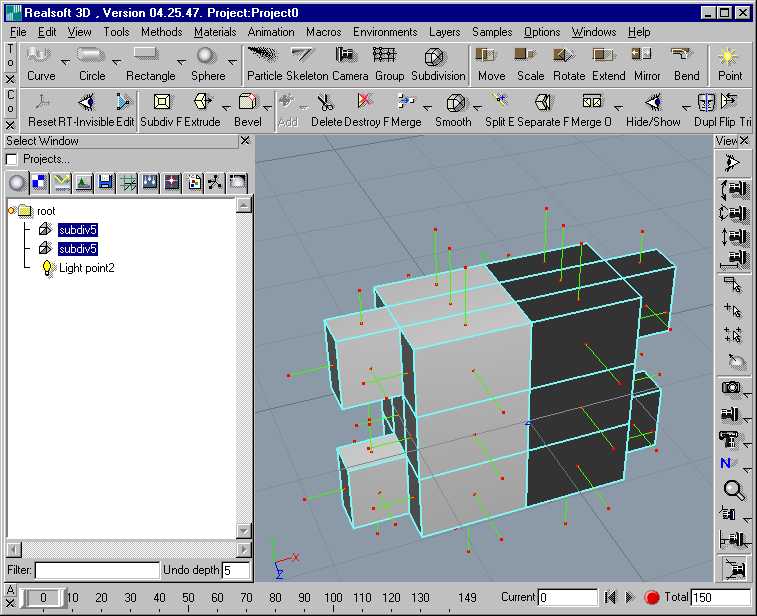
Create an sds-cube u:5 v:2 w:2. Switch to edit-mode (space-key). Drag-select the two right horizontal rows of points and destroy them. |
|
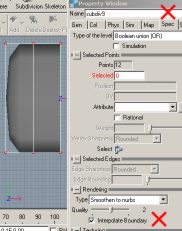
Select the sds-cube. Activate in properties - spec-tab - Interpolate Boundary |
|
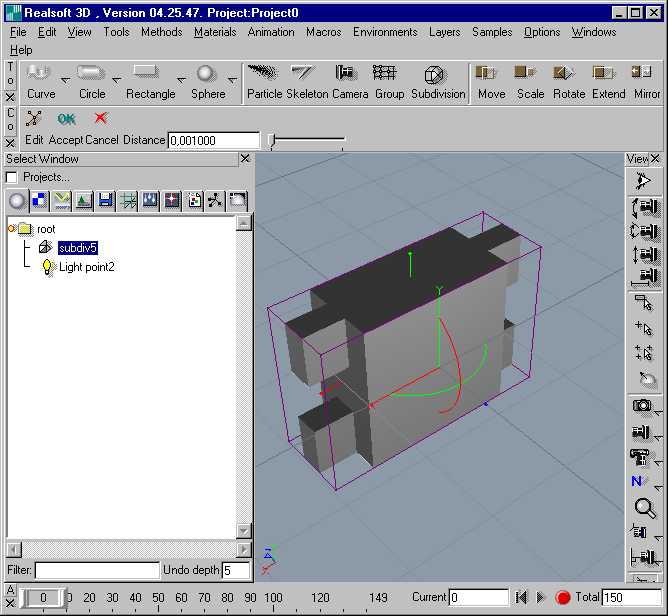
Switch off edit-mode (space-key) for the sds-cube and create an instance of it. Select in the menu-bar edit and then instance. |
|
Select the instance and mirror it. For this you should turn on snap to grid. |
|
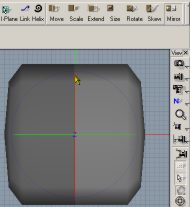
Now select the original sds-cube and start to edit it. You will see all modifications you make on the sds-cube on the left will be realtime mirrored done at the instance. |
|
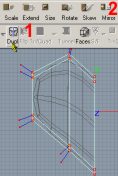
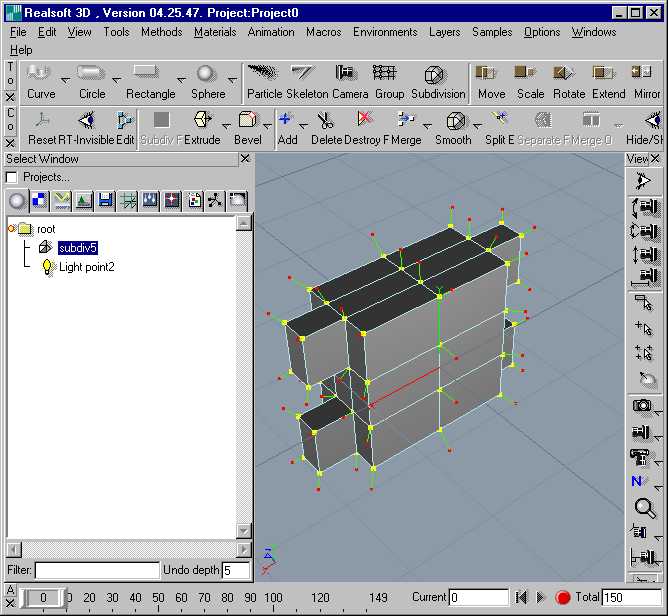
If you think the shape looks ok delete the instance. Now you have to complete the object with dup/mir. Switch the object to edit-mode, select the right horizontal points, click on Dupl, click on mirror and mirror the duplicated points at the middle row (snap to grid turned on). |
|
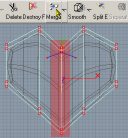
Unfortunately the points in the middle will be duplicated. You have to select each point-pair and merge it. Can be a fiddle-work if you think for instance of working on a human character. After having merged all point-pairs the object should look quite ok. |
I got an e-mail from Matthias Kappenberg (E-Mail) explaining the use of the tool Join Faces to put the two halfs easy together:
Hi Boris,
|
copyright © 1996 - 2002 by Boris Jahn |